Jump to a section
A cart can look correct while accepting a changed price. A private page can load for the wrong account. Learn three boundaries to check in your own app, using small examples you can understand before connecting real customer data.
Take this with you
Check where secrets live, who may access each record, and which values the server accepts. A successful click does not prove those boundaries hold.
01
Separate public identifiers from secret credentials
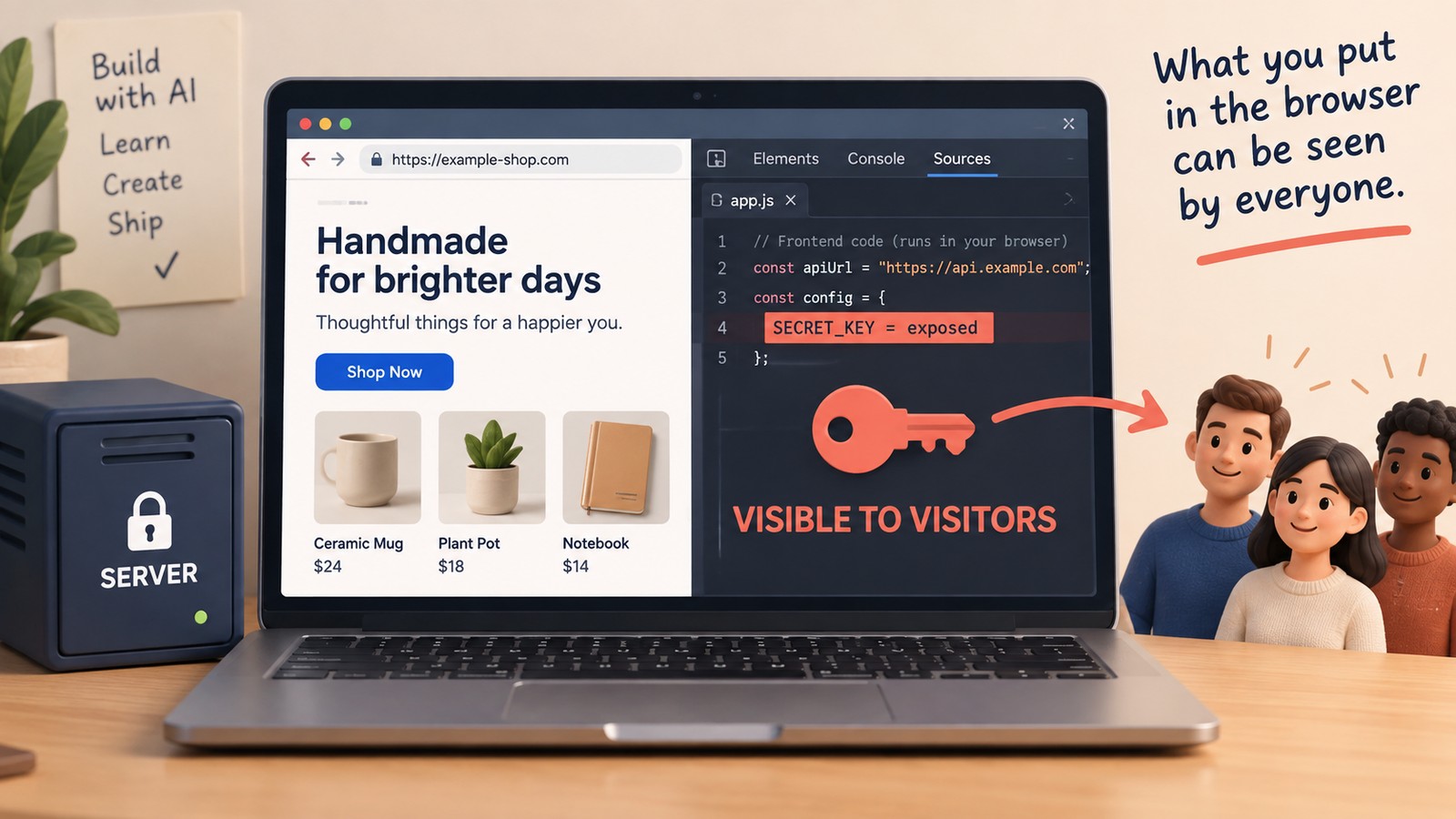
Some keys are designed for browser use; others grant private access and must stay out of client code. Stripe, for example, distinguishes publishable keys from secret keys. Inspect browser-delivered scripts and your build configuration, not only the page’s HTML. A random-looking string is a clue to investigate, not proof of a leak. Identify its purpose in the provider’s documentation. If a secret credential was exposed, follow the provider’s rotation and revocation steps.
02
Test record ownership with two accounts
Signing in identifies someone. It does not automatically mean they may read every cart or order. In a development copy with test data, create two users. Confirm that the second cannot read or modify the first user’s private records through the corresponding requests. The server must enforce that rule even when a link is hidden. OWASP recommends checking permissions on every request and denying access unless it is allowed.
A prompt to try in your project
Review cart and order access in this development app. Using two test accounts and synthetic data, show how the server prevents one account from reading or modifying the other’s records. Identify the relevant checks and propose tests for missing permissions. Do not use real customer data or test systems I do not own.
Want to see this teaching style before buying?
The free sample turns a vague design request into a change you can check.
Read the free course lesson →03
Let the server decide the total
A browser can request a product and quantity, but it should not get the final say on a trusted price. Read the price from the server’s product data, validate the quantity, and calculate the total there. Browser validation is useful feedback; it is not enforcement. The Northstar course uses practice orders so you can learn this boundary without collecting a card.
04
Ask for evidence instead of an all-clear
“Make this secure” is too broad to evaluate. Choose a boundary, ask where it is enforced, and ask for a test that would catch a regression. Record what was reviewed and what was left out. Passing a few checks does not certify the whole application, but it gives you better information than a confident summary.
- Identify which credentials are private and where they are loaded.
- Test private records with two accounts and synthetic data.
- Confirm that altered client prices cannot change a server-calculated total.
- List the checks that ran and the risks still needing review.
05
Learn the boundary before connecting the business
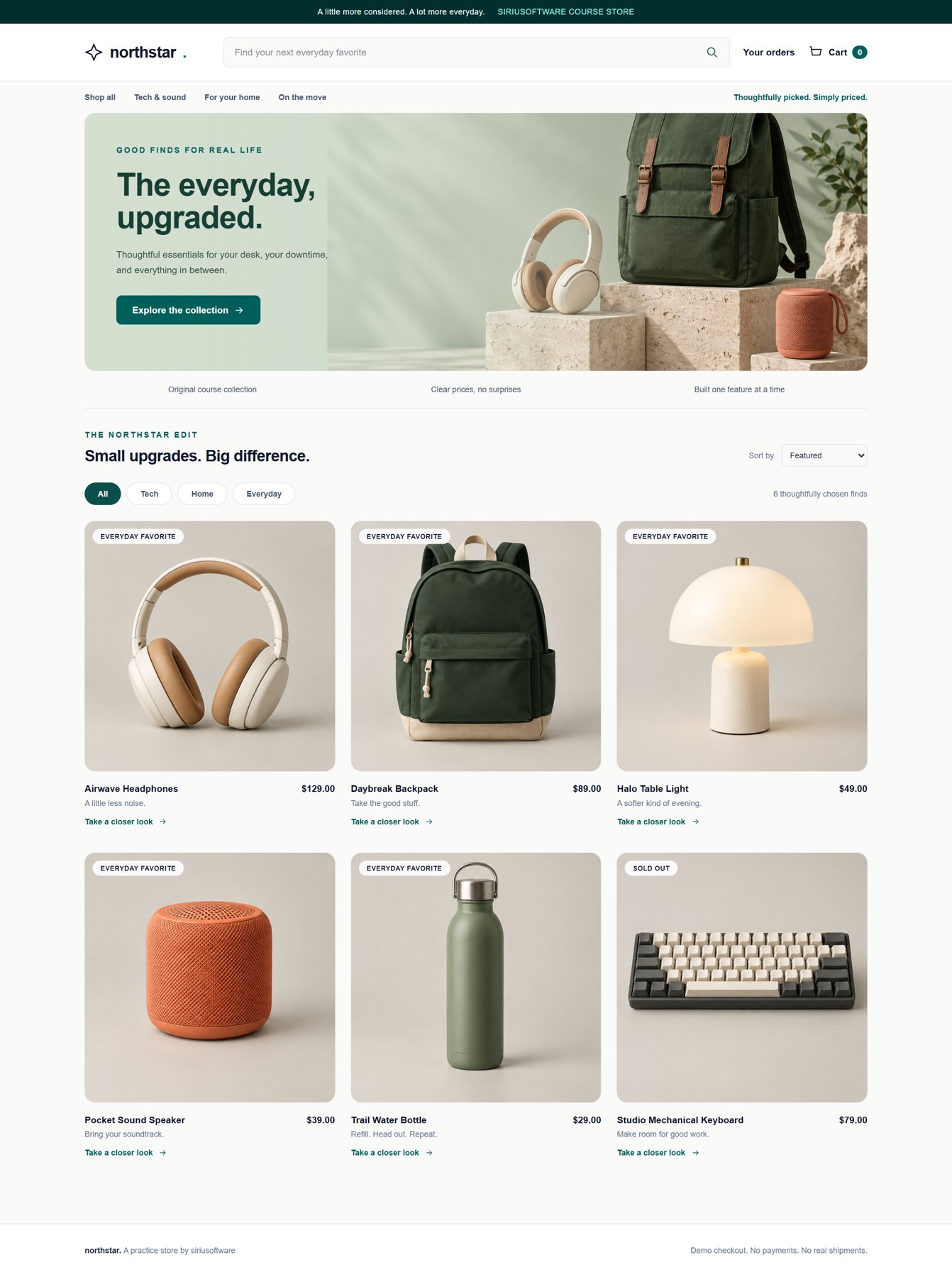
An educational marketplace is a useful place to practice ownership and validation. It is also important to know its limits. The course covers a signed-in cart, server-calculated totals, stock checks, and practice checkout; it is not a security certification or a production payment integration. For a live app handling sensitive information or real transactions, involve an experienced reviewer and check the requirements of the services you use.
Build Your First Real App
Understand why the server gets the final say.
Work through cart ownership, quantity checks, and practice orders in Northstar. Learn the reasoning behind the code before extending a project to real transactions.
- Cart and ownership · pp. 49–52
- Practice checkout and stock checks · pp. 53–59
- Background jobs and receipt handling · pp. 60–69
120-page PDF + visual kit · $29.99 · one-time purchase
Self-paced reading and building. The kit is a browser prototype; you build the Rails app. Checkout uses practice orders.
Questions you might have
Is every API key in browser code a leak?
No. Some identifiers and publishable keys are intentionally public. Check the provider’s documentation to distinguish those from secret credentials, and verify any restrictions they require.
Can I verify security by reading page source?
Page source is one place to look, but it misses other delivered scripts, server behavior, and access rules. Use a review that includes the relevant requests and configuration.
Does the course include real card payments?
No. Northstar records practice orders. That lets you learn ownership, validation, and totals without building a live payment integration.